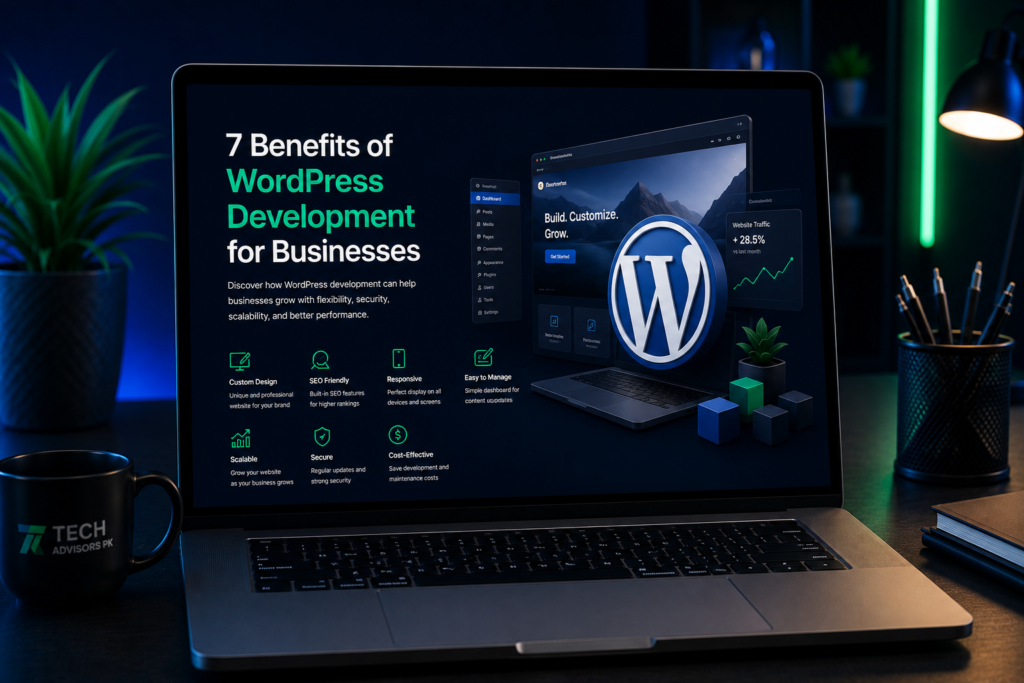
A professional website is an important part of building a strong online presence. It helps potential customers discover your business, understand your services, trust your brand, and contact you.
WordPress development gives businesses a flexible and powerful platform for creating websites that are easy to manage, customize, and expand.
From small business websites and service websites to blogs and e-commerce stores, WordPress can be adapted to different business requirements.
WordPress Makes Website Management Easier
One of the biggest advantages of WordPress is its user-friendly content management system.
Business owners can add, edit, and update website content without needing advanced technical knowledge.
You can manage:
Website pages
Blog posts
Images
Service information
Contact details
Menus
Products
FAQs
Landing pages
This makes it easier to keep your website updated as your business changes.
Content Type
How WordPress Helps
Pages
Lets you update service, about, contact, and other website pages.
Blog Posts
Makes it easy to publish articles and business updates.
Images
Allows you to upload, replace, and organize website images.
Services
Makes service information easier to update.
Menus
Allows website navigation to change as new pages are added.
Products
Supports product management when used for e-commerce.
WordPress Is Flexible and Customizable
Every business has different website requirements.
A local service business may need service pages, contact forms, and WhatsApp integration. An online store may need product pages, payments, customer accounts, and order management.
WordPress can be customized using:
Professional themes
Elementor
WordPress plugins
Custom themes
Custom plugins
Custom CSS and JavaScript
Third-party integrations
APIs
Automation tools
This flexibility makes WordPress suitable for both simple business websites and more advanced online platforms.
WordPress Provides a Strong Foundation for SEO
Search engine optimization helps potential customers discover your website through search engines.
WordPress provides a strong foundation for SEO and makes many important website optimization elements easier to manage.
SEO Area
How WordPress Helps
Page URLs
Allows clean and descriptive website URLs.
SEO Titles
Supports unique titles for important website pages.
Meta Descriptions
Can be managed using SEO plugins and tools.
Headings
Supports organized H1, H2, H3, and other heading structures.
Images
Allows descriptive alt text and image information.
Internal Links
Makes it easy to connect related pages and blog posts.
Sitemaps
SEO tools can generate XML sitemaps.
Schema
Structured data can be added through plugins or custom development.
WordPress alone does not guarantee higher search rankings.
Content quality, website speed, technical SEO, competition, backlinks, and user experience also affect search performance.
With proper WordPress SEO practices, however, businesses can build a website with a strong search-friendly structure.
WordPress Websites Can Be Mobile-Friendly
Most customers do not visit websites from only one type of device.
They may use smartphones, tablets, laptops, or desktop computers.
A professionally developed WordPress website can use responsive design so that the website adjusts to different screen sizes.
Responsive WordPress development helps make sure:
Text remains readable
Images resize correctly
Menus work properly
Buttons are easy to tap
Forms work on mobile
Service pages remain easy to navigate
Calls to action stay visible
A mobile-friendly website creates a better experience and makes it easier for customers to contact your business.
WordPress Can Be Cost-Effective
Building every website feature completely from scratch can require more development time and a larger budget.
WordPress has a large ecosystem of themes, plugins, page builders, and integrations that can reduce the amount of custom development required.
Website Requirement
WordPress Option
Website Design
Themes, Elementor, or custom design
Contact Forms
Form plugins or custom forms
SEO
SEO plugins and professional optimization
E-commerce
WooCommerce
Booking
Appointment and booking plugins
Analytics
Analytics and tracking integrations
Security
Security plugins and hosting configuration
Marketing
CRM, email, forms, and automation integrations
Businesses can start with the features they need and add more functionality as they grow.
WordPress Can Grow With Your Business
A business website should not become useless when the business expands.
Your website requirements may change over time.
You may need to add:
New services
New website pages
Blog content
Landing pages
Online booking
E-commerce
Customer portals
CRM integrations
Marketing tools
Analytics
Automation workflows
Custom functionality
WordPress makes it possible to expand a website without necessarily rebuilding everything from the beginning.
Proper hosting, development, security, database management, and performance optimization are still important when a WordPress website grows.
WordPress Has a Large Plugin and Integration Ecosystem
One of the biggest benefits of WordPress development is access to a large ecosystem of plugins and integrations.
Plugins can extend website functionality without requiring every feature to be developed from scratch.
Feature
Possible Integration
Business Benefit
Contact Forms
Form plugins
Collect customer inquiries.
WhatsApp
WhatsApp buttons and links
Makes direct communication easier.
Analytics
Analytics tools
Helps understand website traffic.
E-commerce
WooCommerce
Allows businesses to sell online.
Booking
Appointment systems
Lets customers schedule appointments.
CRM
CRM integrations
Helps organize and manage leads.
Email Marketing
Email platforms
Supports email campaigns and follow-ups.
Security
Security tools
Helps protect and monitor the website.
SEO
SEO plugins
Helps manage website optimization.
Automation
Automation platforms
Connects website actions with business workflows.
Plugins should still be selected carefully.
Too many unnecessary, outdated, or poorly maintained plugins can create performance, compatibility, and security problems.
Professional WordPress Development Makes a Difference
Installing WordPress and selecting a theme is only the beginning.
A professional business website needs to consider design, usability, performance, mobile responsiveness, SEO, security, lead generation, and maintenance.
Area
What to Check
Design
Clean layout, professional branding, and readable content.
Mobile View
Works properly on smartphones and tablets.
Speed
Loads quickly and avoids unnecessary heavy files.
Content
Clearly explains services and business information.
CTA
Uses visible buttons for contact, quotes, booking, or WhatsApp.
SEO
Uses proper titles, headings, URLs, metadata, and image alt text.
Security
Uses SSL, updates, backups, and secure website practices.
Tracking
Connects with analytics and lead tracking.
Maintenance
Can be updated and maintained after launch.
A professional WordPress website should not only look attractive. It should help customers understand your business and take the next step.
WordPress Development for Different Businesses
WordPress can be used across many industries and business types.
It can work for:
Small and local businesses
Digital marketing agencies
Corporate companies
E-commerce businesses
Educational organizations
Professional service providers
Personal brands
Portfolio websites
Bloggers
Content creators
The right website structure depends on the goals of the business.
A small service business may need strong service pages and lead forms, while an e-commerce business may need products, payments, shipping, and order management.
WordPress Website Checklist for Businesses
Before launching a WordPress business website, check these points:
Checklist Item
Status
Logo and brand colors are correct.
Pending / Done
Homepage clearly explains the business.
Pending / Done
Services are easy to understand.
Pending / Done
Important services have detail pages.
Pending / Done
Website works properly on mobile.
Pending / Done
Contact forms are tested.
Pending / Done
CTA buttons are working.
Pending / Done
Page speed is acceptable.
Pending / Done
SEO titles and meta descriptions are added.
Pending / Done
Website URLs are clean and descriptive.
Pending / Done
Images have proper alt text.
Pending / Done
SSL and security settings are configured.
Pending / Done
Website backups are configured.
Pending / Done
Analytics and tracking are connected.
Pending / Done
No demo or placeholder content remains.
Pending / Done
This checklist helps avoid launching a WordPress website that still feels incomplete.
Why Choose Professional WordPress Development?
WordPress is easy to start using, but building a professional business website requires more than installing a theme and replacing demo content.
Professional WordPress development focuses on:
Custom branding
Responsive design
Website performance
SEO-friendly structure
Security
User experience
Lead generation
Contact forms
WhatsApp integration
Analytics
Business integrations
Easy content management
Future scalability
A properly developed website becomes a useful business asset rather than simply an online brochure.
Final Thoughts
WordPress development offers businesses a flexible, scalable, and cost-effective way to build a professional online presence.
Its easy content management, customization options, SEO capabilities, responsive design, plugin ecosystem, and ability to expand over time make it a practical choice for many modern business websites.
The best WordPress websites combine good design with proper development, reliable hosting, SEO, security, performance optimization, and regular maintenance.
At Tech Advisors PK, we help businesses create professional WordPress websites, Elementor websites, custom web solutions, and digital systems built around real business goals.
Ready to Build Your WordPress Website?
If you need a professional WordPress website, Elementor website, custom business website, website maintenance, or a solution that connects your website with digital marketing and automation tools, Tech Advisors PK can help you plan and build the right solution.
Yes. WordPress is suitable for many types of business websites because it is flexible, customizable, easy to manage, and capable of supporting additional functionality as a business grows.
Is WordPress SEO-friendly?
Yes. WordPress provides a strong foundation for SEO. It supports clean URLs, headings, metadata, image alt text, internal linking, sitemaps, and other important optimization elements.
Can a WordPress website be customized?
Yes. WordPress websites can be customized using themes, plugins, Elementor, custom code, custom themes, custom plugins, and third-party integrations.
Is WordPress suitable for small businesses?
Yes. WordPress can be a practical solution for small businesses because they can start with essential website features and expand the website as their requirements grow.
Can WordPress websites be mobile-friendly?
Yes. WordPress websites can use responsive design so pages adapt to smartphones, tablets, laptops, and desktop screens.
Can WordPress connect with WhatsApp?
Yes. WhatsApp buttons and links can be added to a WordPress website so visitors can quickly contact your business.
Can WordPress connect with other business tools?
Yes. WordPress can integrate with CRM systems, analytics platforms, email marketing tools, booking systems, payment solutions, contact forms, and automation platforms.
How often should a WordPress website be maintained?
WordPress websites should be maintained regularly. WordPress core, themes, and plugins need updates, while backups, security, website performance, forms, and other important functionality should also be checked.